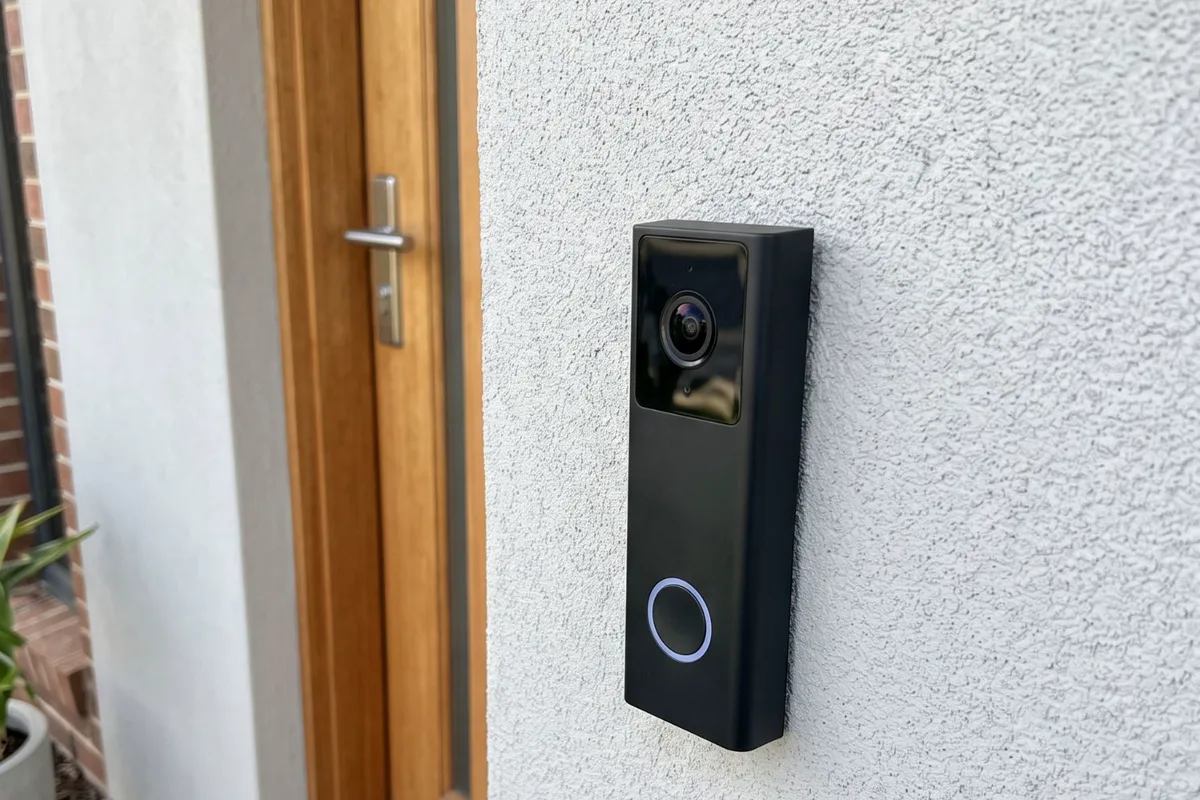
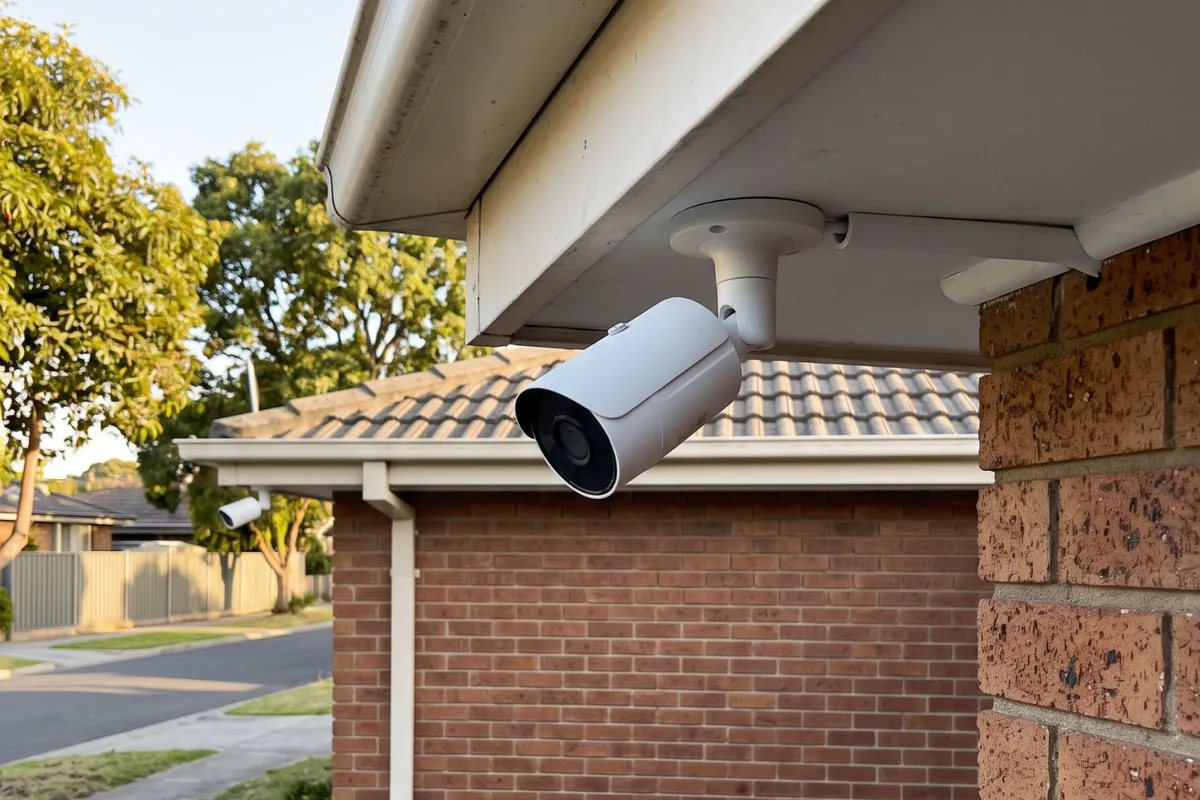
Good coverage comes from placement, not just the number of cameras. We plan where each camera goes and what it will see by day and at night, run data cable through the roof space, mount and seal the cameras, and set up recording so the footage is there when you need it.
When to get it checked
Something has happened nearby
A break-in down the street, a parcel gone from the porch or a car damaged out the front, and you want to see what goes on around your place.
Battery cameras that keep going flat
Wi-Fi cameras that need charging every few weeks, drop offline or miss the start of whatever set them off.
Blind spots
The side gate, the driveway or the back door isn't covered, or the cameras you have look straight into the sun.
An old system with a poor picture
Grainy footage, a recorder that's full or failing, or no way to watch it on your phone.
Building or renovating
Walls and ceilings are open, which is the easiest time to run cable to every camera position.
Why it happens
4 common causes
Cameras mounted where it was easy
A camera on the nearest eave often watches the roof of the car instead of the face at the door. Placement decides what you actually capture.
Wi-Fi at the edge of its range
A camera at the far end of the yard on a weak signal drops frames or disconnects, usually right when something happens.
Glare and night vision
Cameras facing the western sun or a streetlight wash out, and infrared night vision bounces off nearby eaves and walls when a camera sits too close to them.
No plan for storage
Footage that's overwritten after a day or two, or kept only in a cloud plan nobody signed up for, isn't there when you need it.
What the job covers
What we usually do on this job. Your quote confirms it for your place.
- Camera positions planned with you
- Day and night views checked for glare
- Data cable run to each camera position
- Cameras mounted, sealed and aimed
- Recorder installed near your router
- Power point for the recorder where needed
- Motion zones and recording set up
- Phone app connected and explained
- Certificate of Electrical Safety for electrical work
Your options, explained
Wired cameras with a recorder
Medium disruption- Best for
- Reliable coverage around most homes
- How it works
- Each camera gets one data cable that carries both power and video to a network video recorder (NVR) inside. Footage is stored on its hard drive and viewed on your phone.
- Worth knowing
- The most reliable option. The recorder keeps saving footage even when the internet drops.
Wi-Fi cameras on mains power
Low disruption- Best for
- One or two cameras where a cable run is hard
- How it works
- The camera is wired to power where it's mounted and sends video over your Wi-Fi to an app or cloud plan.
- Worth knowing
- Needs a strong Wi-Fi signal at the camera. Many store footage in a paid cloud plan.
Battery cameras
Low disruption- Best for
- Renters or short-term coverage
- How it works
- No wiring at all. The camera records to the cloud or a base station and runs on a rechargeable battery.
- Worth knowing
- Simple to fit, but they need recharging and can miss the first seconds of an event.
Floodlight cameras
Low disruption- Best for
- Driveways, side paths and the back yard at night
- How it works
- A camera built into a hardwired floodlight, so the area is lit and recorded when something moves.
- Worth knowing
- Wired to an existing or new lighting circuit. Our security lights and floodlight cameras page has the details.
The people behind the work
Our own photos from jobs like this one. Based in Altona Meadows, with 19 years in the industry.
Licensed electrical contractor (REC 38187)See more team photos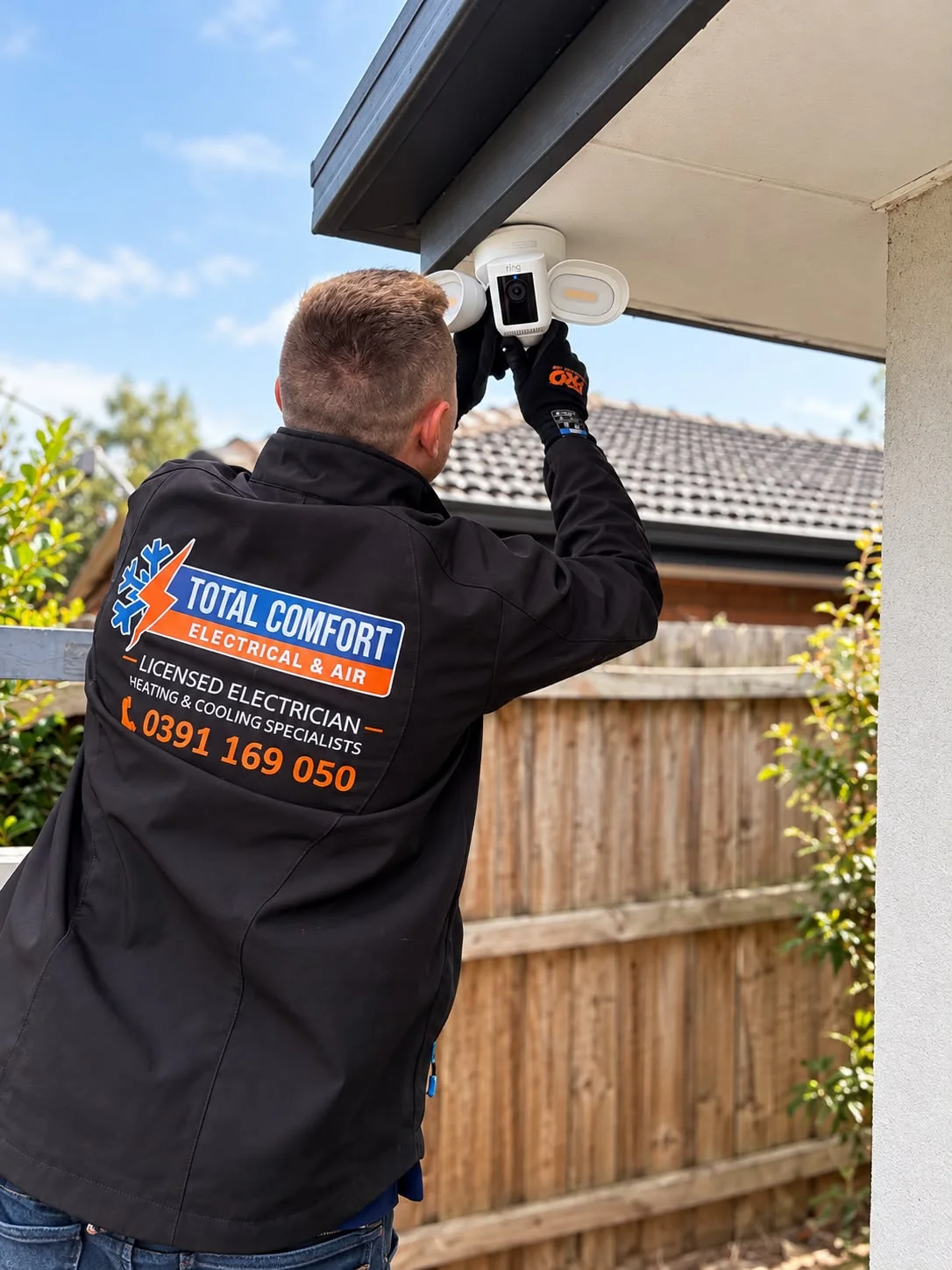
Worth knowing before you book
- Placement beats numbers
- Three well-placed cameras often see more than six on the nearest eaves.
- Wired keeps recording
- A recorder keeps saving footage even when the internet drops.
- Already have cameras?
- Send the brand and model so we can plan power and mounting.
What affects the price?
The right scope depends on your installation. These are the details we check so your quote is useful, with any additional work explained before it proceeds.
Number of cameras
Each extra position adds a camera, a cable run and setup time.
Roof and wall access
A single-storey home with roof space is straightforward. Double-storey walls, flat roofs and solid brick with no cavity take longer.
Recorder and storage
Recorders come with different numbers of channels and hard drive sizes, which decide how many cameras you can add and how many days of footage you keep.
Camera quality
Higher resolution, better night vision and wider views cost more per camera.
Power and network
A new power point for the recorder, a network cable back to the router or a run to a detached garage each add to the scope.
How it runs
- 1
Send photos
The outside of the house and the areas you want covered.
- 2
Plan and quote
Positions, cabling and recorder, priced before we start.
- 3
Install
Cable run, cameras mounted and the recorder connected.
- 4
Set up
Views aimed, recording set and the app on your phone.
Step by step, in more detail
5 steps
Tell us what you want to see
Send photos of the outside of the house and the areas you want covered: the front door, driveway, side gates and back yard. Mention any cameras or recorder you already have.
Plan the camera positions
We work out where each camera goes, what it will see by day and at night, and where the recorder and the cabling will run.
Price before we start
You get the price for the agreed scope, with the cameras, cabling, recorder, storage and any new power points set out.
Cable, mount and connect
We run data cable through the roof space or wall cavities to each position, mount and seal each camera, and install the recorder near your router.
Set up and show you
We aim and focus each camera, set the recording and motion zones, connect the app on your phone and show you how to find and save footage.
What is safe to do, and what to leave to us
Safe for you to do
- Point cameras at your own property: the front door, driveway and yard, rather than into a neighbour's windows or yard.
- Change the default password on the recorder and the camera app, and turn on two-step sign-in if it's offered.
- Check the views after storms and hot spells. Spider webs, dust and loose brackets can drift or blur a camera.
Leave these to us
- Running cables yourself through the roof space next to existing wiring.
- Leaving the recorder on a power board inside a closed cupboard with no airflow.
- Mounting cameras within easy reach, where they can be knocked, turned or covered.
- Wiring a floodlight camera or a new power point yourself. Energy Safe Victoria says unlicensed electrical work is illegal and potentially fatal.
When to get us in
- You want the front door, driveway, gates or yard covered
- Existing cameras are grainy, offline or always need charging
- Your recorder is full, failing or can't be viewed on a phone
- You're building or renovating and the walls are open
- You want a doorbell camera or floodlight camera wired in as well
More detail
Wired or Wi-Fi
A wired system runs one data cable to each camera. The cable carries power and video together, so there are no batteries to charge and no Wi-Fi to drop out, and the recorder keeps saving footage when the internet is down. It's the better choice when you want three or more cameras.
Wi-Fi cameras suit one or two positions where a cable is hard to run, such as a detached garage. They need power at the camera and a strong signal, and many keep footage in a paid cloud plan rather than on a recorder at home.
Where the cameras go
Good coverage comes from placement, not camera count. We look at what each camera will see by day and at night: faces at the front door, number plates in the driveway, the side gate and the back door. Cameras go high enough to stay out of easy reach, angled away from direct sun, and clear of eaves and walls that reflect night vision back into the lens.
We walk the positions with you before any holes are drilled, so you know what each one will cover.
Recording and storage
A network video recorder stores footage on its hard drive. How many days you keep depends on the drive size, the number of cameras and the resolution, and we size it for what you need. Motion-only recording keeps more history on the same drive.
The recorder sits inside, usually near your router, so footage can be viewed on your phone. It needs its own power point with airflow around it, which we add if there isn't one.
Your neighbours and privacy
Cameras should watch your own property. We angle them away from neighbours' windows and yards, and where a view can't avoid a neighbouring space, we use the privacy masking most recorders offer to black that area out.
If you rent the property out or have people working at the house, let them know the cameras are there.
Local rules and conditions
Victorian requirements and local conditions that shape this job, with the sources listed at the foot of the page.
Western sun and hot afternoons
The Laverton weather station averages 27.0 days a year at or above 30 °C, mostly from December to February. Cameras facing the afternoon sun wash out and run hot, so we angle them out of direct western light wherever the view allows.
Homes near the bay
BlueScope's marine-environment guide classes Port Phillip Bay from Altona to Portsea beaches as exposed marine, and Williamstown as calm marine. Close to the water, we use weather-rated cameras and corrosion-resistant mounting hardware so brackets don't rust.
Useful reading
Guides to read before you decide, with checklists and questions to bring to the quote.
- Planning security lighting around your homeLight entries, driveways and side paths with sensors, floodlights and camera lights, without glare into the neighbours' windows or dark corners beside the beam.
- Planning data cabling for the whole houseChoose a central network spot, decide which rooms get data points, place Wi-Fi access points and feed it from the NBN, as one plan rather than one-off runs.
- Outdoor electrical safety: leads, garden tools, digging and wet weatherSafe habits for outdoor leads, power tools, digging near buried cables, wet weather and patio appliances, and what makes outdoor power fit for purpose.
Common questions
Sources for the rules and local facts on this page
5 sources, with the date each was checked
- 1.Bureau of Meteorology: Mean number of days ≥ 30 °C 6.9 6.0 4.5 0.7 0.0 0.0 0.0 0.0 0.1 0.9 2.8 5.1 27.0 82 1943 2026 Mean number of days ≥ 35 °C 3.6 2.4 0.9 0.0 0.0 0.0 0.0 0.0 0.0 0.1 0.5 1.9 9.4 Accessed 30 September 2026.
- 2.BlueScope, Technical Bulletin TB-35 Australian salt marine classifications (March 2026, Revision 9): Exposed Port Phillip Bay (Altona to Portsea Beaches) Calm Port Phillip Bay (Williamstown), Yarra River (Docklands and Melbourne CBD), Maribyrnong River Accessed 30 September 2026.
- 3.Energy Safe Victoria: Gas and electricity are inherently dangerous and it’s illegal and potentially fatal for unlicensed and unqualified people to undertake any electrical or gasfitting work. Homeowners and consumers must always use… Accessed 30 September 2026.
- 4.Energy Safe Victoria: Whenever a licensed electrician completes any electrical installation work, they must provide a Certificate of Electrical Safety (COES). Accessed 30 September 2026.
- 5.Energy Safe Victoria: A Registered Electrical Contractor or Licensed Electrical Worker cannot refuse to issue a COES for any reason including payment issues or contract disputes. Accessed 30 September 2026.