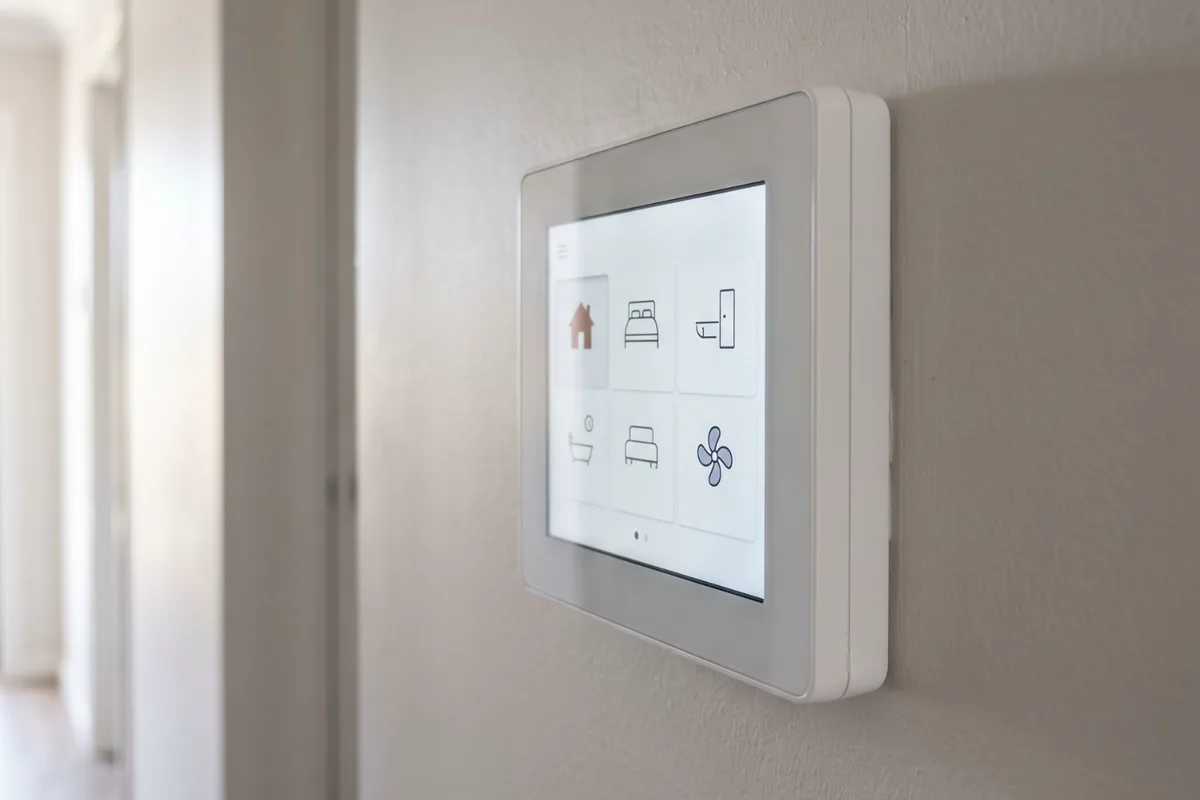
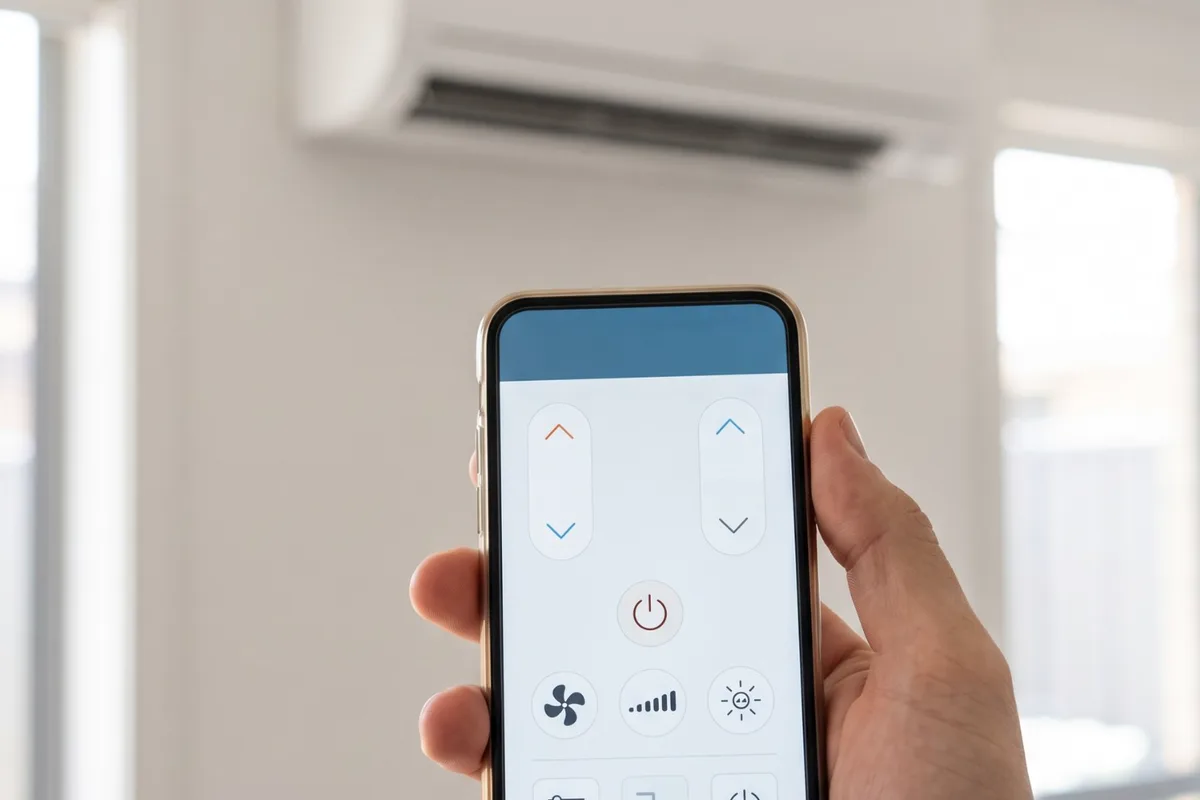
Smart controls let you start the heating before you get home, switch off rooms nobody is using and run every unit from one place. Our team checks what each system supports, fits the right adapter or controller and sets up the app with you.
When to get it checked
You come home to a hot or cold house
In summer the house has baked all afternoon by the time you walk in. Starting the system half an hour earlier from your phone fixes that.
Units left running in empty rooms
A split in a bedroom or study gets left on all day. App control shows what's running and lets you switch it off from anywhere.
A drawer full of remotes
Several splits, each with its own remote, and nobody sure which is which. One app can run them all.
The app stopped working
Control dropped out after a new modem, a new router or a Wi-Fi password change, and the unit never reconnected.
Your ducted controller has no app
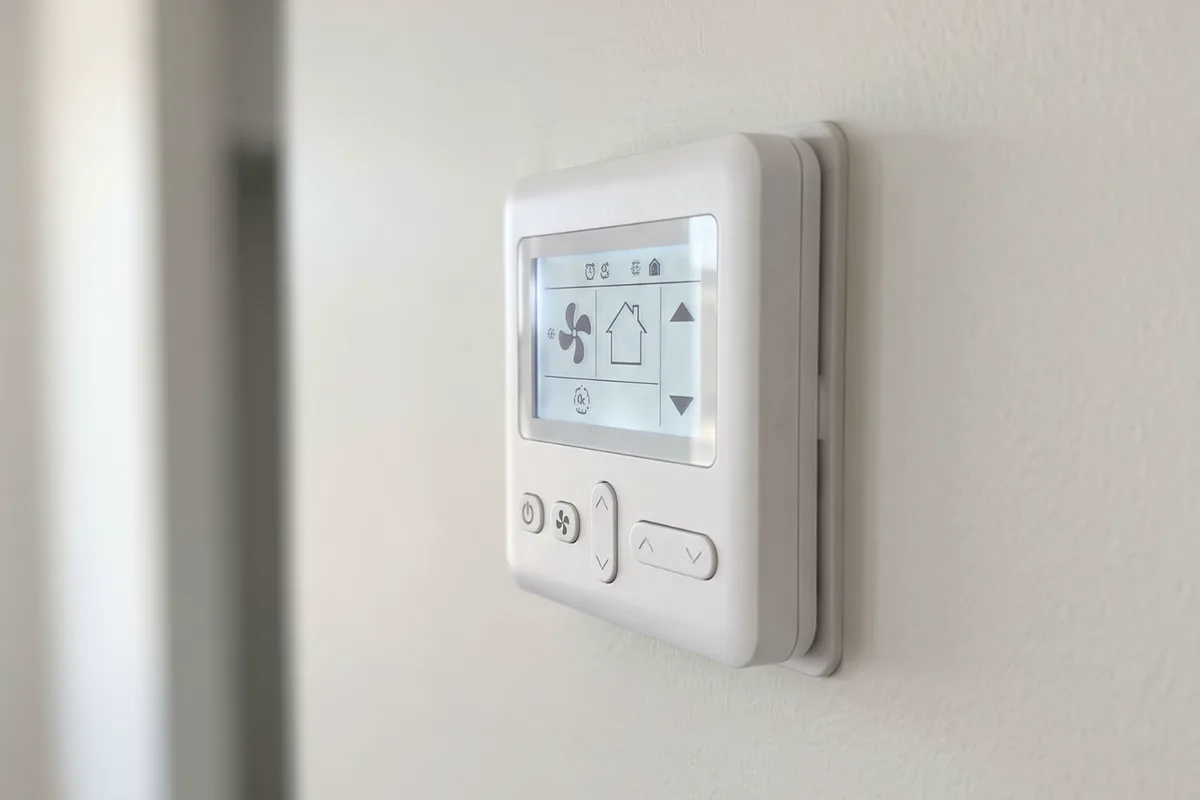
The wall controller works, but there's no way to run the system when you're out.
Why it happens
4 common causes
The wrong kind of hardware
Many split and ducted units only accept the maker's own Wi-Fi adapter. A generic smart thermostat built for simple on/off systems usually can't run an inverter unit's modes and fan speeds.
Wi-Fi that doesn't reach
Indoor units and wall controllers often sit at the far end of the house from the router. A weak signal at the adapter means slow or dropped control.
Network changes
Many air conditioner Wi-Fi adapters only join a 2.4 GHz network. A new router that merges bands or changes the network name can leave them offline.
Older units without a smart option
Some older models have no Wi-Fi option from the maker. A universal controller that copies the remote is sometimes the only route, and it has limits.
What the job covers
What we usually do on this job. Your quote confirms it for your place.
- Each unit's model and Wi-Fi options checked
- Wi-Fi signal checked at each unit
- Maker's Wi-Fi adapter fitted where offered
- Ducted controller upgrade where needed
- Universal controller for older splits if suitable
- App installed and units named by room
- Schedules and temperatures set with you
- Voice assistant linked where supported
- Access shared with the household
Your options, explained
The maker's Wi-Fi adapter
Low disruption- Best for
- Split, multi-head and ducted units with a factory Wi-Fi option
- How it works
- A small adapter connects to the indoor unit's control board and links it to the maker's app.
- Worth knowing
- The most reliable route, with full control of modes, fan speeds and timers. Many newer units have Wi-Fi built in and only need setting up.
A new ducted controller with app control
Low disruption- Best for
- Ducted systems with an old controller and no app
- How it works
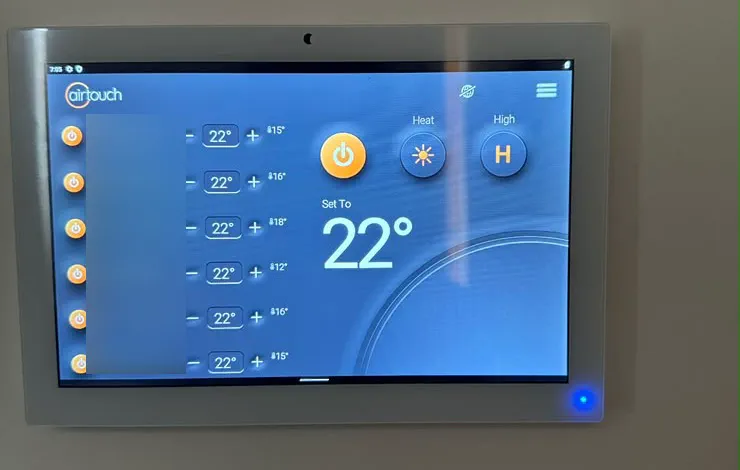
- The wall controller is replaced with the maker's current model, or a compatible zone controller such as AirTouch 5, with Wi-Fi built in.
- Worth knowing
- Our AirTouch 5 and thermostat replacement pages go into more detail.
A universal smart controller
Low disruption- Best for
- Older splits with no factory Wi-Fi option
- How it works
- A small device in the room sends the same infrared signals as the remote, and adds an app and schedules.
- Worth knowing
- It can't read faults or always tell whether the unit actually turned on. Fine for simple use, but not a substitute for the maker's adapter.
Voice assistant link
Low disruption- Best for
- Households already using Google Assistant or Amazon Alexa
- How it works
- The air conditioner's app is linked to the voice assistant, so you can ask it to change settings.
- Worth knowing
- Support varies by maker and model, so we check before you buy hardware for it.
The people behind the work
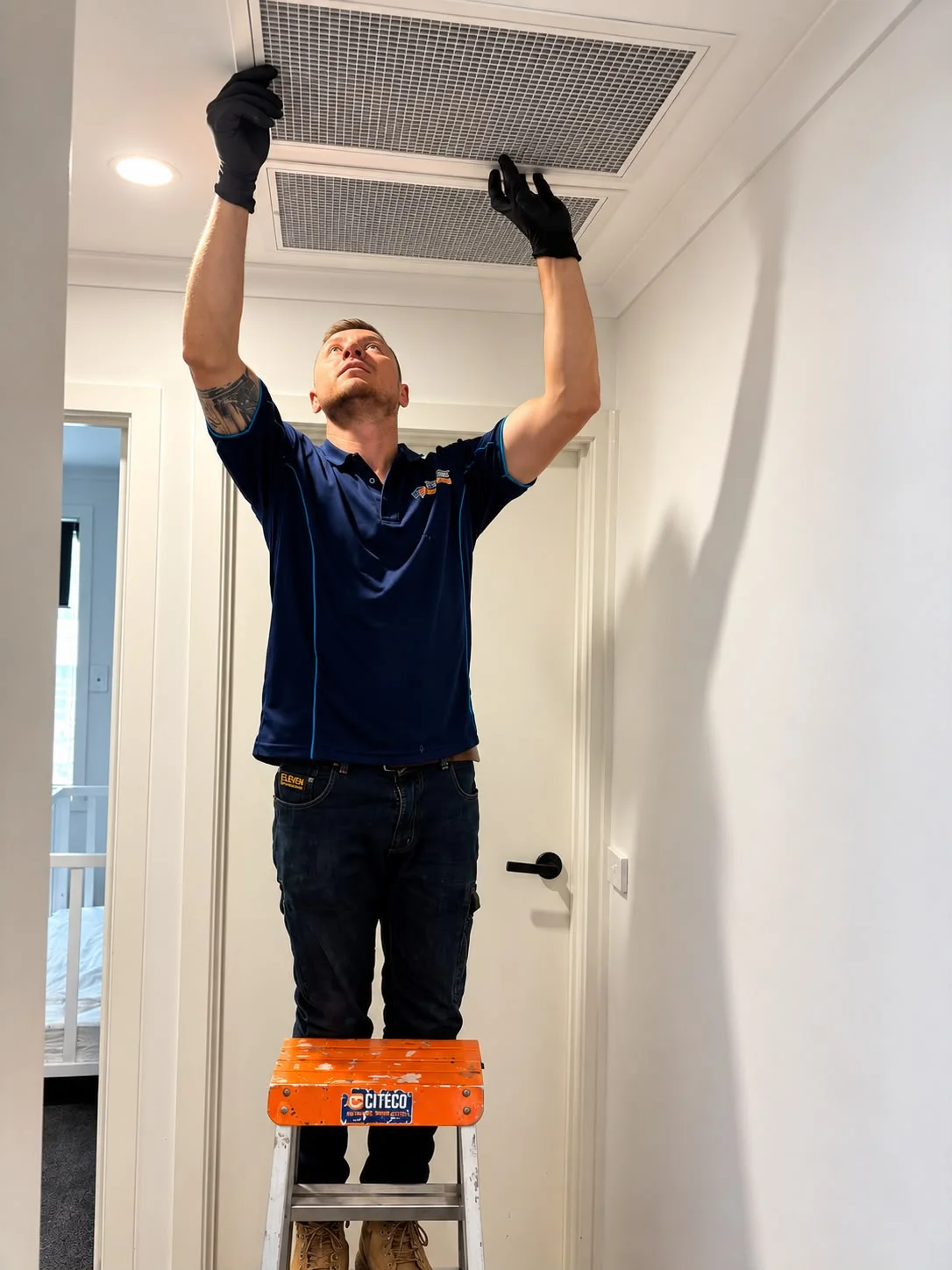
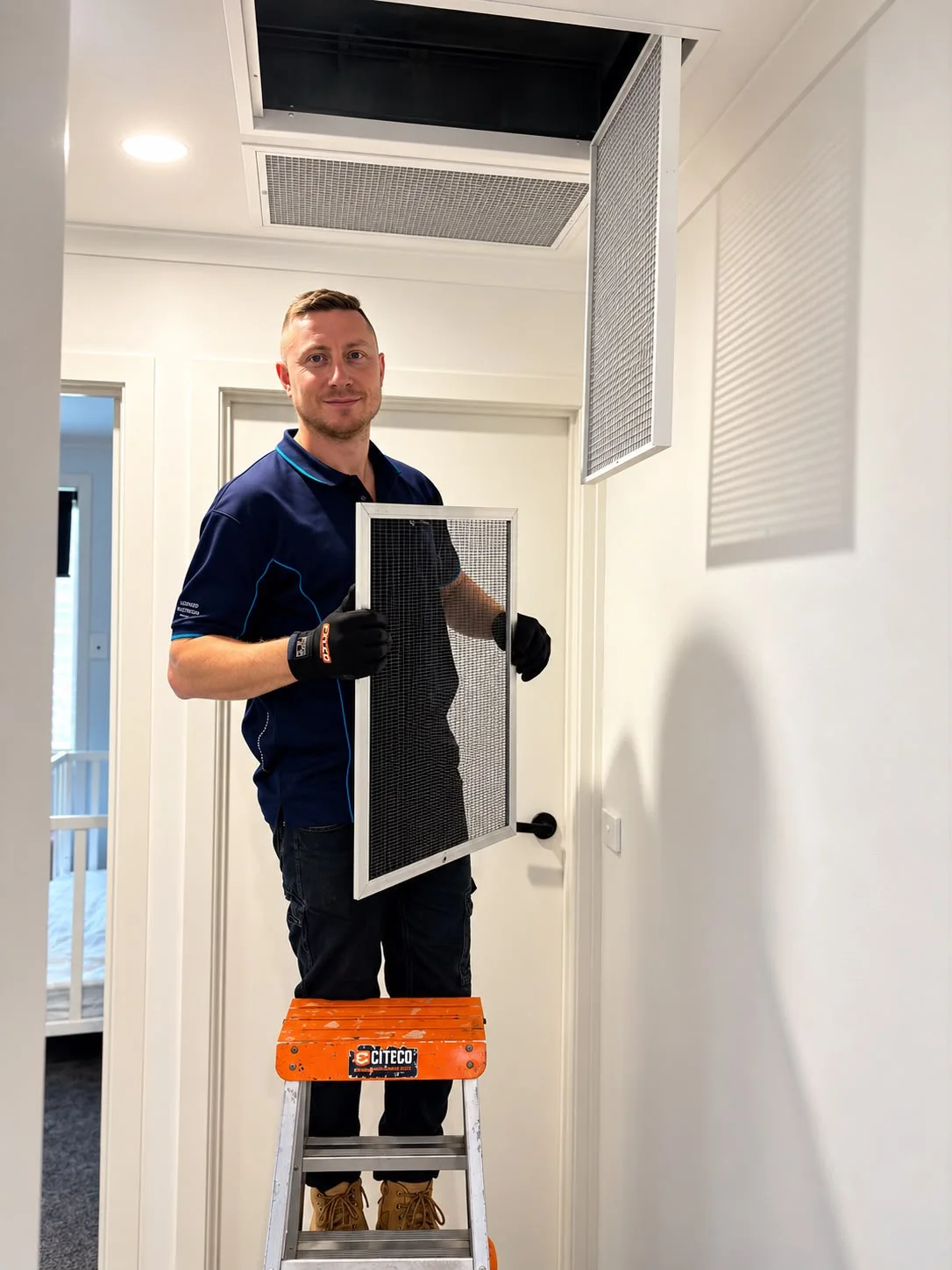
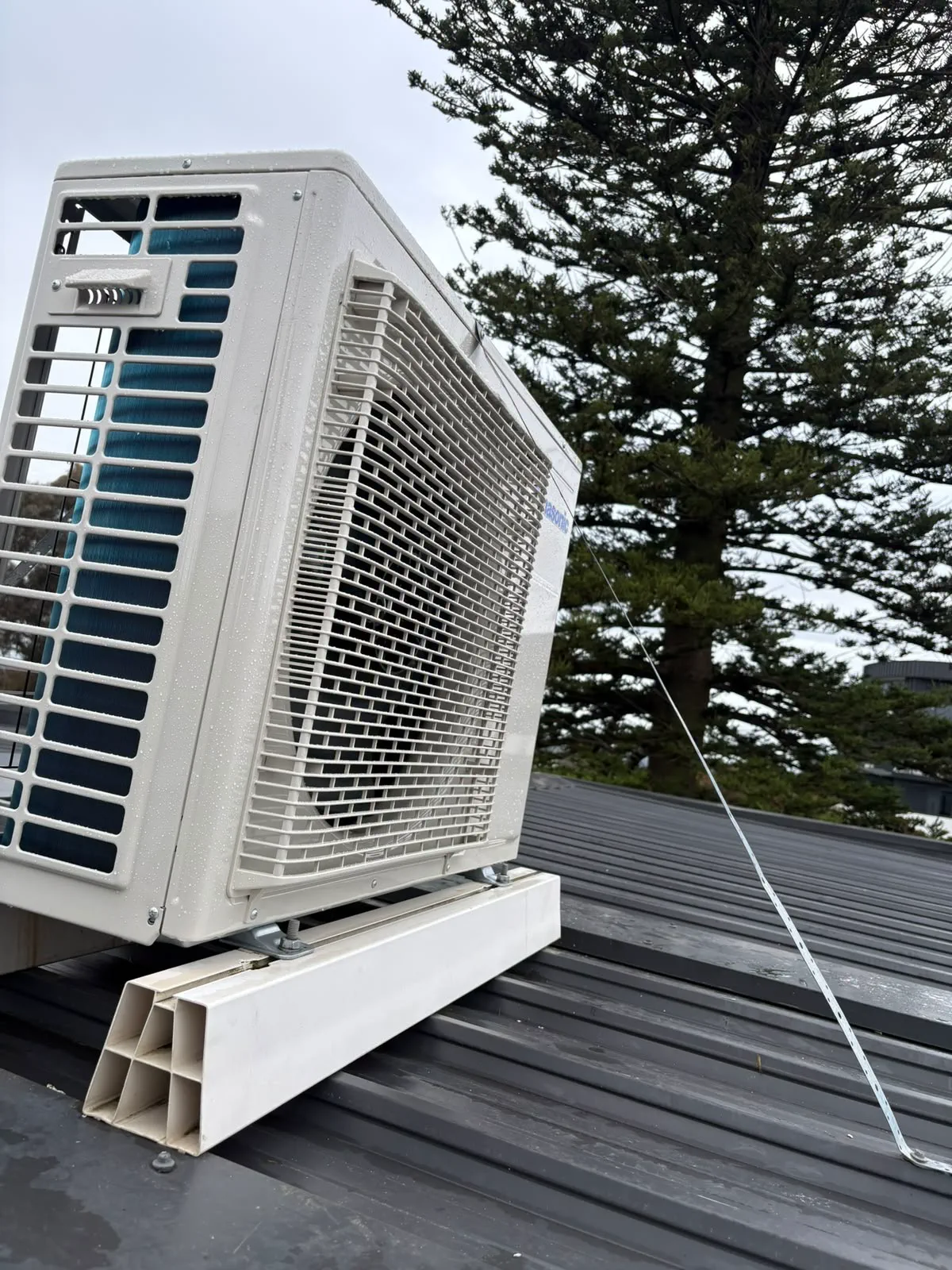
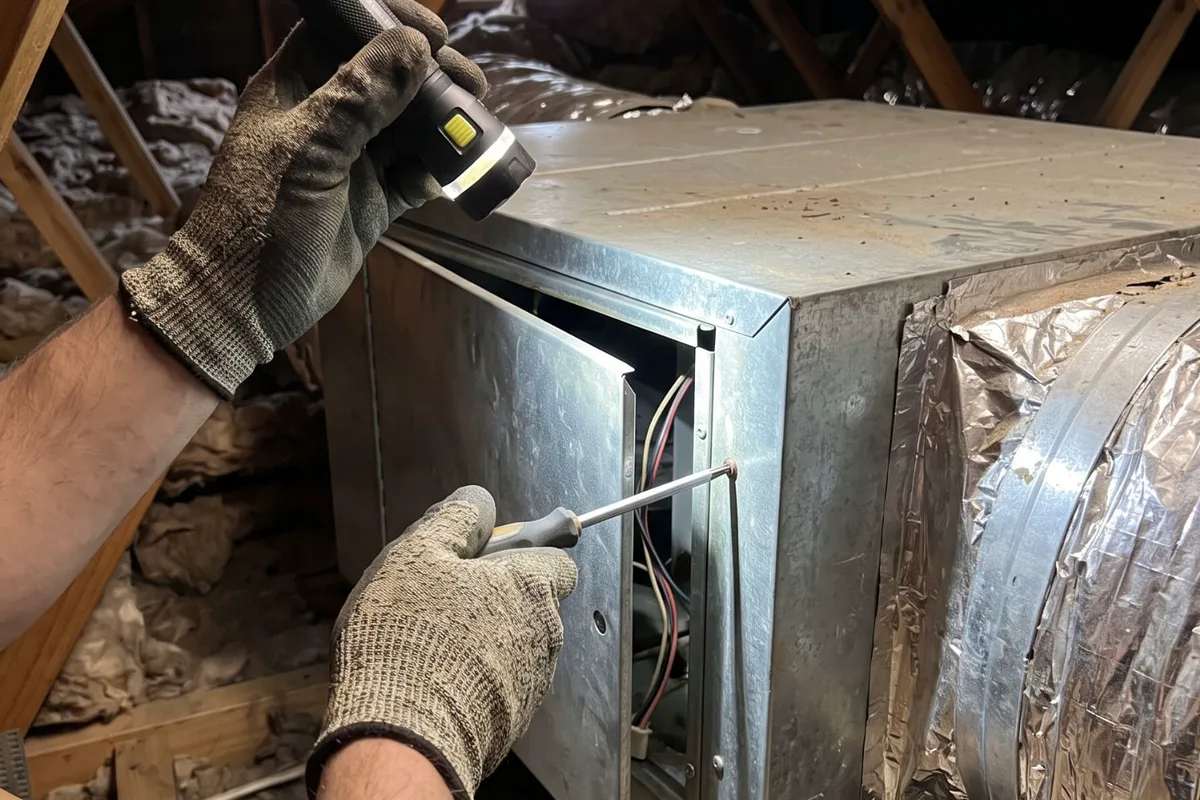
Our own photos from jobs like this one. Based in Altona Meadows, with 19 years in the industry.
Licensed electrical contractor (REC 38187)See more team photos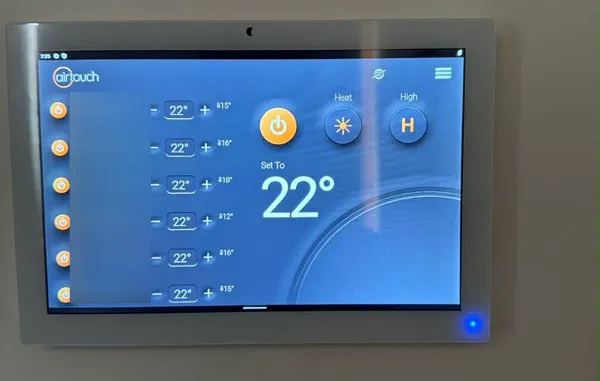
Worth knowing before you book
- Photograph each model label
- It tells us what each unit supports.
- Check your Wi-Fi first
- A weak signal means dropped control.
- Keep the remote
- It still works when the internet doesn't.
What affects the price?
The right scope depends on your installation. These are the details we check so your quote is useful, with any additional work explained before it proceeds.
How many units
Each split head or ducted system needs its own adapter or controller, and its own setup.
What each unit supports
Units with built-in Wi-Fi only need setting up. Others need an adapter, and some older units need a universal controller instead.
Access to the indoor unit
Fitting an adapter can mean opening a high wall unit or reaching a ducted unit in the roof, which takes longer where access is tight.
Controller position and wiring
Moving a ducted controller to a better spot, or running new cable to it, adds to the job.
Your Wi-Fi coverage
If the signal is weak where the units are, coverage may need improving for reliable control.
How it runs
- 1
Check each unit
Models, options and Wi-Fi signal checked.
- 2
Fit the hardware
Adapters or controllers fitted and connected.
- 3
Set up the app
Rooms, schedules and voice control set up.
Step by step, in more detail
5 steps
List the systems
Tell us which units you have and send a photo of each model label and remote. We check what each one supports before quoting.
Check the Wi-Fi where the units are
We check the signal at each indoor unit or controller position, so you know before anything is fitted whether coverage needs improving.
Fit the right hardware
That may be a plug-in Wi-Fi adapter inside the indoor unit, a new wall controller with app support, or a universal controller for an older split. Anything inside a unit or on fixed wiring is done by our team, not left to you.
Set up the app with you
We connect each unit to your Wi-Fi, install the app on your phone, name the rooms, build the schedules and link a voice assistant if you use one.
Test and hand over
Each unit is switched on and off from the app, at home and over mobile data, and we show you how to share access with the rest of the household.
What is safe to do, and what to leave to us
Safe for you to do
- Keep the remote or wall controller working as a backup to the app.
- Use a strong, unique password for the air conditioner app and your home Wi-Fi.
- Set schedules inside sensible temperature ranges so the system isn't working flat out while you're away.
- If a unit behaves oddly after an app change, turn it off at the controller and check the schedules before assuming it's faulty.
Leave these to us
- Opening the indoor unit to plug in an adapter yourself. Live parts sit next to the control board.
- Wiring an off-the-shelf smart thermostat into a ducted system. Many won't talk to the unit, and electrical work isn't a DIY job.
- Running a unit hard on a remote schedule while windows or doors are left open.
- Sharing your app login with people who don't live in the house.
When to get us in
- You want app control of one or more split or ducted systems
- An app stopped connecting after a router or password change
- Your ducted controller has no app option
- You're not sure which smart option suits an older unit
- You want every unit in one app, with voice control
More detail
Why the maker's adapter usually wins
Modern inverter split and ducted units use their own communication between the controller and the indoor unit. The maker's Wi-Fi adapter speaks that language, so the app can change modes, fan speeds and timers, and often show error codes.
Generic smart thermostats are built for simple on/off heating and cooling. On most inverter units they can't manage the modes or fan speeds properly, and some can't connect at all. That's why we check the model before recommending any hardware.
Universal controllers: what they can and can't do
A universal smart controller sits in the room and sends infrared signals, just like the remote. It's a reasonable answer for an older split with no factory Wi-Fi option, and it adds schedules and an app.
It has limits. It can't see error codes, and if someone uses the remote, the app may not know. It also needs a clear line of sight to the unit and a power point nearby.
Getting the Wi-Fi right
Air conditioner adapters need a steady signal where the indoor unit or controller sits, and many only connect to a 2.4 GHz network. A split in a far bedroom or a converted garage can struggle on a router at the other end of the house.
We check the signal before fitting anything. Fixing coverage first saves you from an app that drops out every afternoon.
When the internet drops out
The remote or wall controller still runs the system without the internet. App and voice control stop until the connection is back, and some schedules may pause, depending on whether they're stored in the unit or in the app.
At handover we show you which of your schedules live where, so a dropped connection doesn't catch you out on a cold morning.
Local rules and conditions
Victorian requirements and local conditions that shape this job, with the sources listed at the foot of the page.
Get home to a cool house
Victoria's health department advises using air conditioning or a fan during extreme heat. The Bureau of Meteorology notes warm northerly winds often arrive first as weather systems cross Melbourne, so on a hot northerly day, starting the system from your phone means the house is comfortable when you walk in.
Heating is the bigger job here
Victorians usually use more energy for heating than cooling, and Laverton's July nights average a minimum of 5.2 °C. A morning warm-up schedule, set to finish as you get up, is one of the most useful things to set up in the app.
Useful reading
Guides to read before you decide, with checklists and questions to bring to the quote.
- Ducted zoning explainedZones, dampers, controllers and room sensors in plain terms, plus the airflow limits that decide whether zoning will fix your comfort problem.
- Split system or ducted: choose around the rooms you useCompare layouts, zoning, installation work and quote details before choosing equipment for your home.
- Air conditioner maintenance: what to watch between servicesKeep useful records, follow model-specific filter care and recognise symptoms that need a repair visit.
- Air conditioner settings explained: modes, fan speeds, swing and timersWhat auto, dry, fan, sleep, eco, swing and the timer buttons on a split system remote or ducted controller actually do, and when each one is worth using.
Common questions
Questions people ask about this
- My air conditioner won't respond to the remote. What can I check?Start with the remote: fresh batteries, a clear line to the indoor unit, and no lock symbol or odd mode on its display.
- Why does my air conditioner turn off by itself?Most often a setting is doing it: an off timer, sleep mode, an eco or quiet mode, or an app schedule someone else set up.
- Is it safe to leave the heating on overnight?It depends on the heater.
From the blog
- Is it cheaper to leave the air conditioner on all day?For most homes, a timer that starts the system before you get home beats running it all day, even with an inverter. Here's why, and the days that are the exception.
- Leaving the air conditioning on for pets on hot daysHow to keep pets cool while you're out on a hot western-suburbs day: sensible settings, timers and app control, a backup plan and where the pet should be.
- Is AirTouch 5 worth it over a standard ducted controller?AirTouch 5 adds room sensors, app control and finer zone balancing to ducted air. It is worth the most in homes where rooms heat and cool unevenly.
Sources for the rules and local facts on this page
7 sources, with the date each was checked
- 1.Department of Health, Victoria (updated 3 February 2026): Use air conditioning or a fan, wear light and loose-fitting clothing, keep your skin wet (for example, with a spray bottle or damp sponge), and take cool showers or foot baths. ... People most at risk include those over… Accessed 30 September 2026.
- 2.Bureau of Meteorology (article issued 3 August 2026): To the north lies Australia's hot, dry interior, while to the south stretches the cold Southern Ocean. ... Warm northerly winds arrive first, bringing higher temperatures and clear skies. Then, as a cold front moves in… Accessed 30 September 2026.
- 3.Department of Energy, Environment and Climate Action (energy.vic.gov.au), page last updated 14/04/25: Victorians typically use more energy for heating than cooling, so look for a unit with a higher heating efficiency. Accessed 30 September 2026.
- 4.Bureau of Meteorology: Mean minimum temperature (°C) 14.0 14.4 12.7 10.0 7.8 5.9 5.2 5.7 6.8 8.4 10.3 12.2 9.5 81 1943 2026 Accessed 30 September 2026.
- 5.Solar Victoria (updated 20 November 2025): To heat a room, try setting the temperature between 18°C to 20°C. Every 1°C higher will add around 10% to your heating bill. Set your air conditioner thermostat for cooling between 24°C and 26°C for living areas – every… Accessed 30 September 2026.
- 6.Energy Safe Victoria: Whenever a licensed electrician completes any electrical installation work, they must provide a Certificate of Electrical Safety (COES). Accessed 30 September 2026.
- 7.Energy Safe Victoria: Electrical work isn’t a DIY job, even for small jobs such as changing power points or light switches. Accessed 30 September 2026.