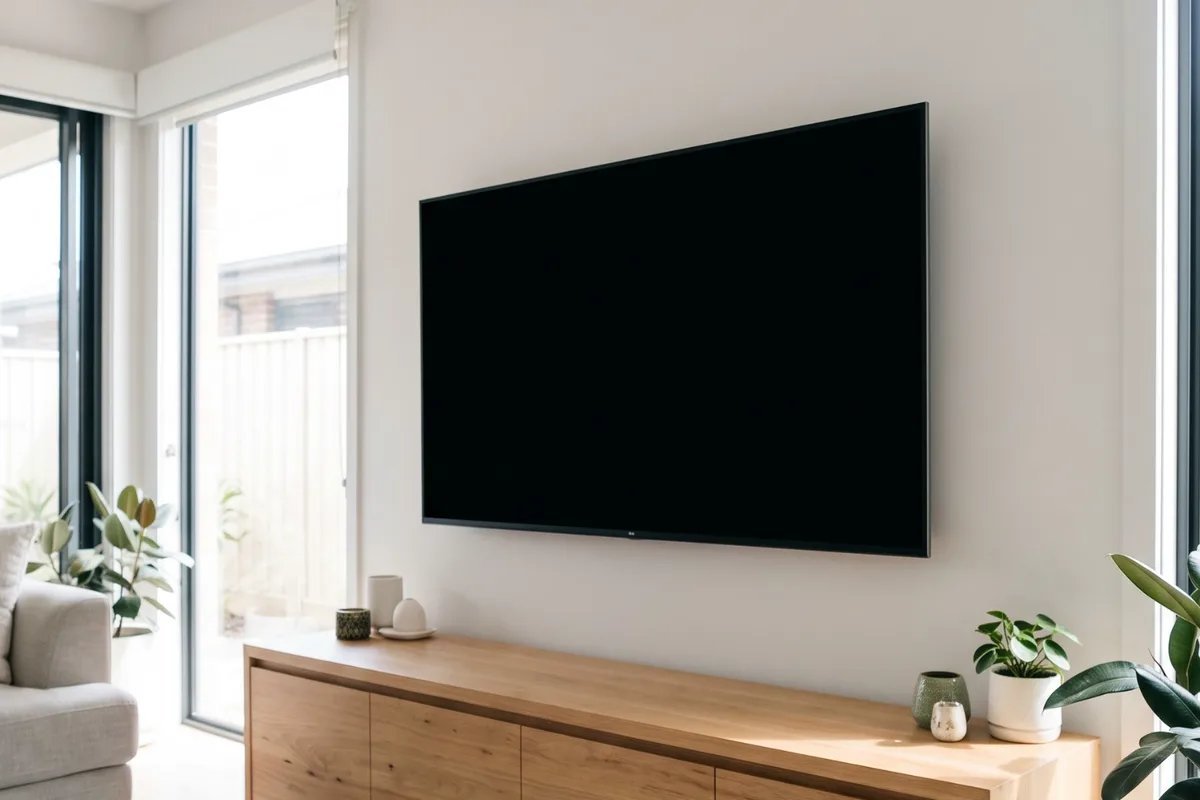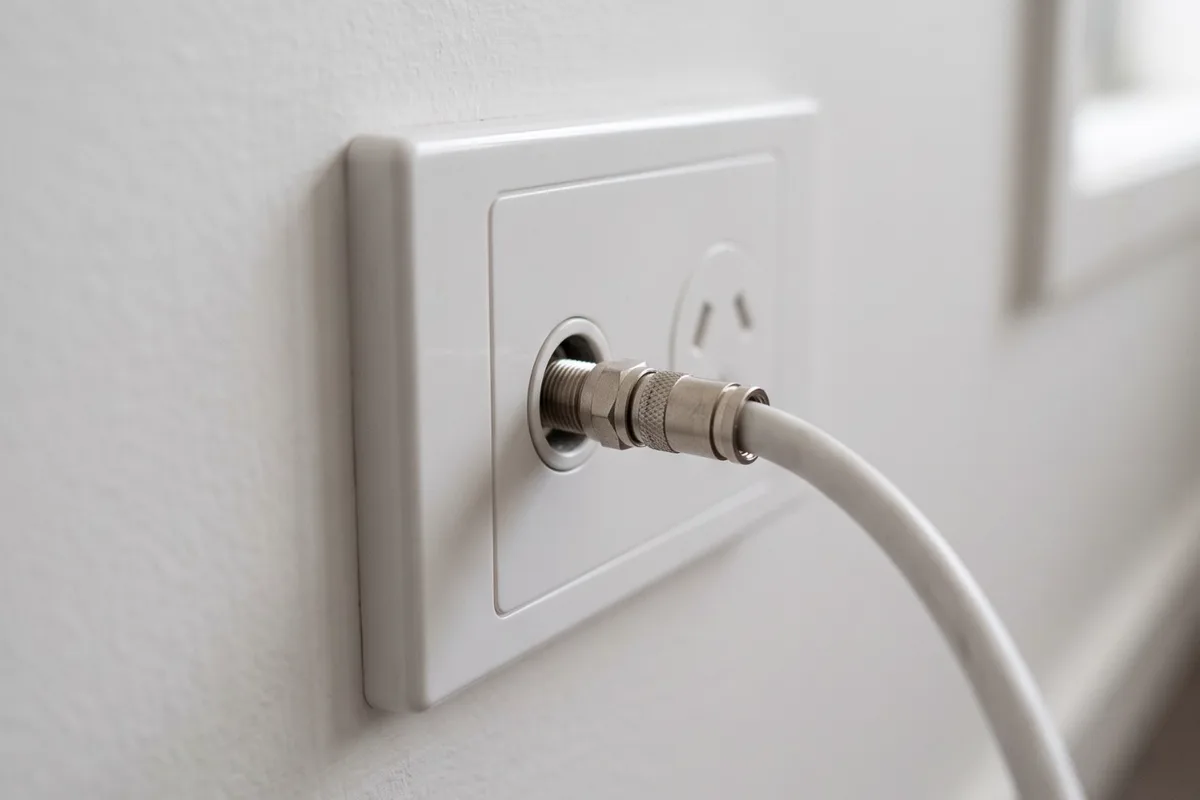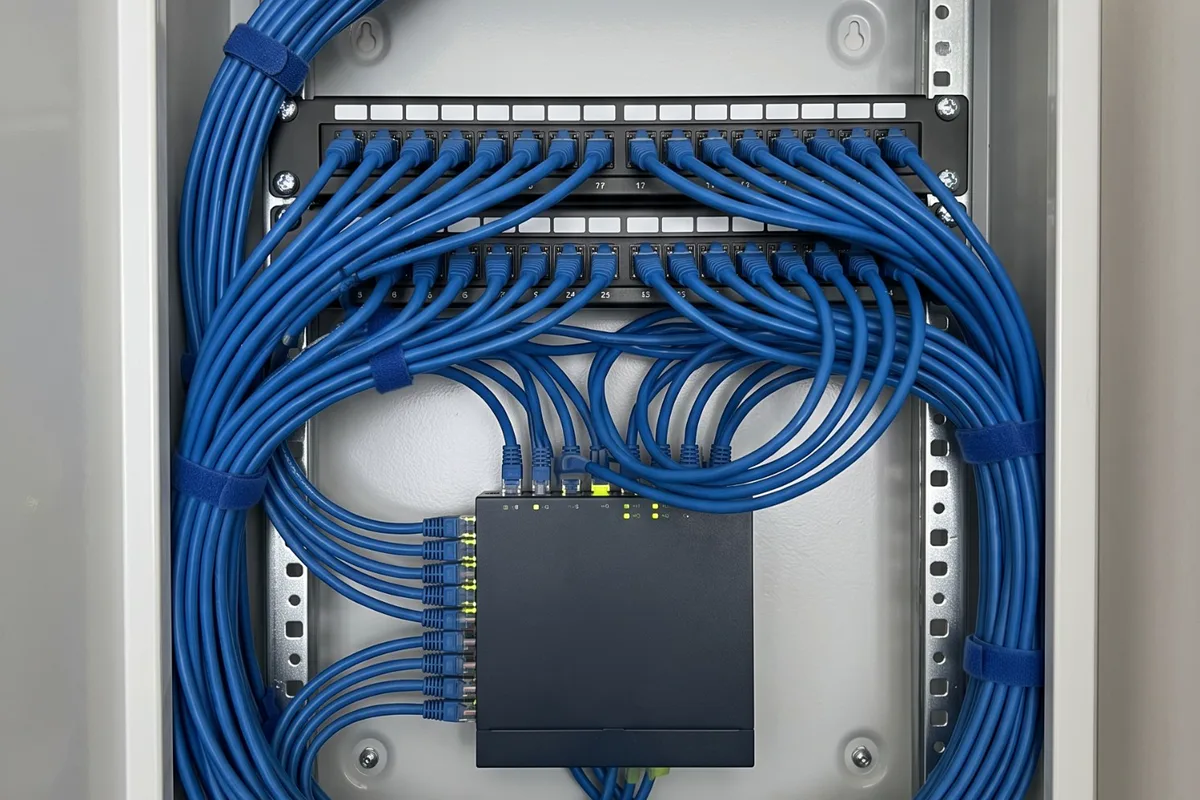
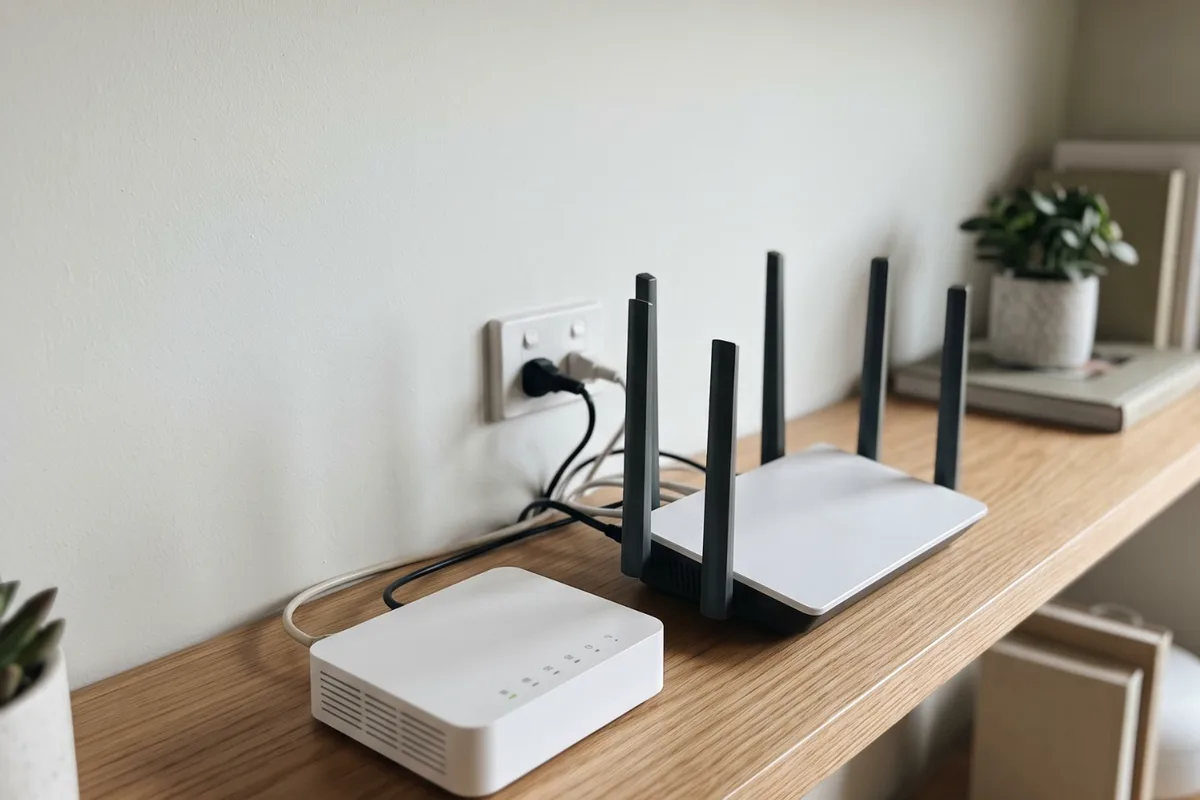
Where the NBN came in is rarely where your Wi-Fi works best. Often the fix is a data cable from the NBN box to a central router. Where NBN Co's own equipment has to move, it's arranged through your provider, and we handle the cabling and power on your side.
When to get it checked
Router stuck at the front of the house
The internet comes in at one end of the house, so the router sits there and the far rooms barely get Wi-Fi.
Renovating around the NBN box
The wall with the NBN box or phone socket is coming down, or the room is about to become something else.
No power point within reach
The NBN equipment or router runs off an extension lead because there's no outlet close enough.
Leads coiled along the floor
A cable trails from the NBN box to a router in the next room, across a doorway.
Drop-outs on a phone-line connection
On a connection that uses the home's phone wiring, extra sockets, old joins or a faulty socket can cause drop-outs.
Why it happens
4 common causes
It went where the old line came in
On connections that reuse the phone line or pay TV cable, the NBN equipment usually sits where that line entered the house, which is rarely the middle of the home.
Placed for the installation, not your Wi-Fi
Fibre connection boxes usually went near where the fibre entered, which suited the installation more than Wi-Fi coverage.
Homes have changed around it
Renovations, extensions and home offices change where people actually need the internet.
Old internal phone wiring
On phone-line connections, extra sockets and old cabling inside the house can weaken the signal before it reaches the modem.
What the job covers
What we usually do on this job. Your quote confirms it for your place.
- Connection type and equipment checked
- Simplest fix worked out before any work
- Data cable from the NBN box to a central wall plate
- Internal phone sockets moved where that applies
- Power point added near the equipment if needed
- Cabling at a new spot after an NBN Co relocation
- Extra data points to other rooms if wanted
- Router connection checked at its new spot
- Cabling labelled and the work explained
Your options, explained
Data cable from the NBN box to a central router
Low disruption- Best for
- Most homes where the router is in the wrong place
- How it works
- The NBN box stays put. A data cable runs from it to a wall plate where the router will sit, near the middle of the house.
- Worth knowing
- Usually the simplest fix, with no changes to NBN Co equipment.
Move or add a phone socket
Low disruption- Best for
- Fibre to the node or fibre to the curb connections
- How it works
- On connections that use the home's phone wiring, the socket the modem uses is moved or a new one installed, and redundant sockets are dealt with.
- Worth knowing
- Applies to the cabling on your side of the network boundary. Anything on NBN Co's side stays with NBN Co.
NBN Co moves its equipment, we do the rest
Medium disruption- Best for
- Fibre or HFC connections where the box itself has to move
- How it works
- NBN Co relocates its own equipment, usually booked through your provider. We add the power point and data cabling at the new spot.
- Worth knowing
- Ask your provider early about timing and any charges. We plan our part around their date.
The people behind the work
One local team for electrical, heating and cooling, based in Altona Meadows, with 19 years in the industry.
Licensed electrical contractor (REC 38187)See more team photos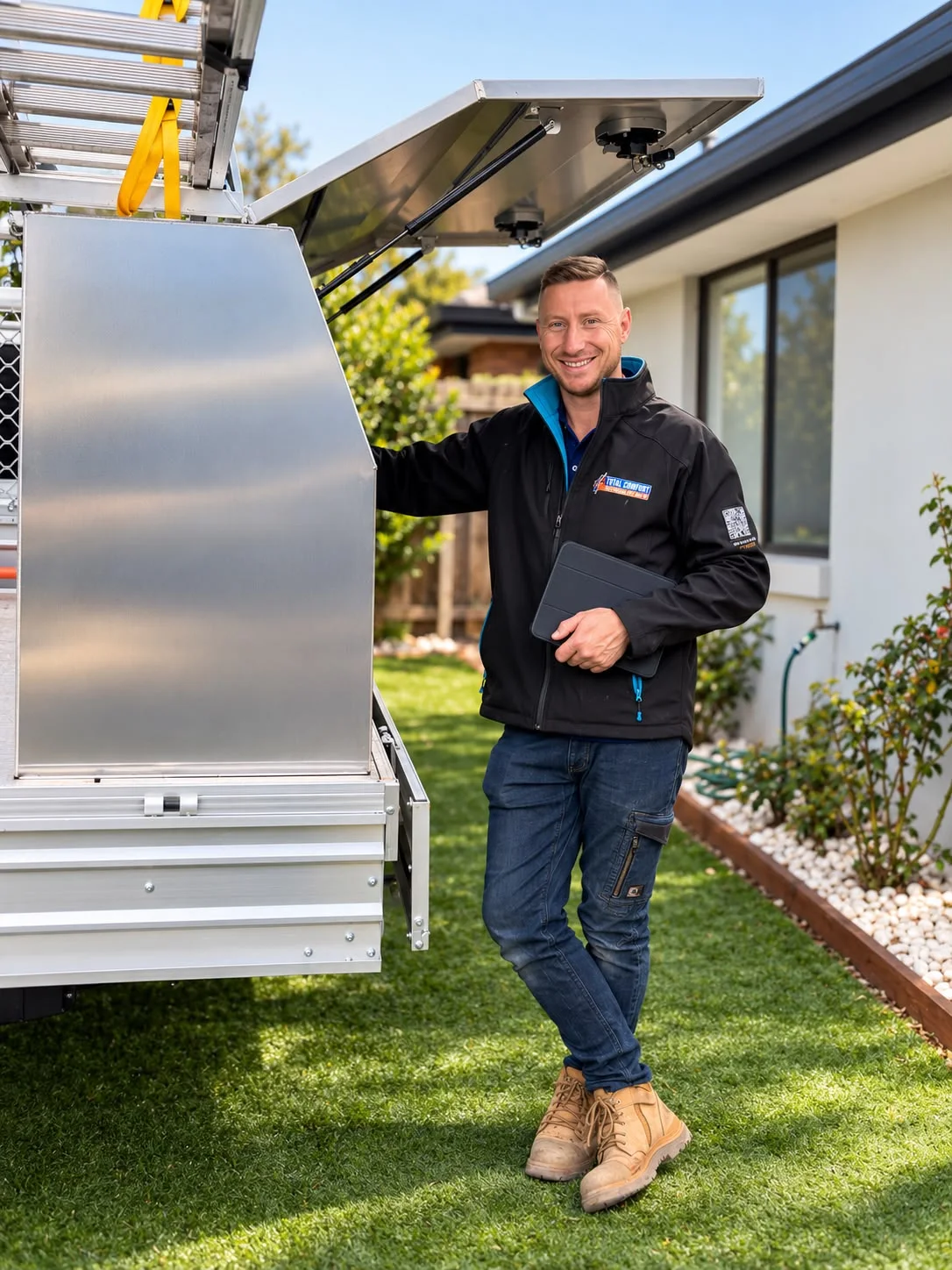
Worth knowing before you book
- NBN Co owns its equipment
- Moving the NBN box itself goes through NBN Co, usually via your provider.
- Check your connection type
- Fibre, phone line or cable decides what can be changed.
- Cabling is often enough
- A cable to a central router can avoid moving the box at all.
What affects the price?
The right scope depends on your installation. These are the details we check so your quote is useful, with any additional work explained before it proceeds.
Distance and route
A run through an open roof to the next room is quick. Double-storey homes, slabs and solid walls take more time.
Your connection type
A data cable from the box is straightforward. Phone socket work depends on the existing internal wiring.
Power points
New or moved power points for the NBN equipment and router are electrical work, certified on completion.
Extra points while we're there
Adding data points to the office or TV at the same visit shares the access and set-up.
Old positions and finishes
Old sockets and box positions may leave holes. We tell you up front what's blanked off and what needs patching.
How it runs
- 1
Tell us your setup
Connection type, photos and where you want the router.
- 2
Plan and price
The simplest fix agreed, with the price before we start.
- 3
Run and connect
Cabling, sockets and power done, and the router checked.
Step by step, in more detail
5 steps
Tell us your connection type
Fibre to the premises, fibre to the node or curb, or HFC cable: your provider can tell you. Photos of the NBN equipment and where you'd like the router help.
Work out the simplest fix
Often it's a data cable from the NBN box to a central spot. Sometimes it's moving a phone socket, or NBN Co moving its equipment while we add power and cabling at the new spot.
Price before we start
You get the price for our part of the work, and we explain anything that needs to go through NBN Co or your provider.
Run, connect and test
Data cable is run and terminated, sockets are moved where that applies, power points go in where needed, and we check the router connects at its new spot.
Hand over
We label the cabling and show you what's been done. New power points come with a Certificate of Electrical Safety.
What is safe to do, and what to leave to us
Safe for you to do
- Check your connection type with your provider before planning a move.
- Keep the NBN equipment and router ventilated and clear of clutter.
- During a power failure, turn off and unplug the modem and electronics, as Energy Safe Victoria advises, to help protect them if there's a surge.
Leave these to us
- Unscrewing, moving or tightly bending the cable on NBN Co's equipment.
- Running the NBN equipment or router off an extension lead long term.
- Moving phone sockets or running fixed cabling in the walls yourself.
- Installing a power point for the equipment yourself. Energy Safe Victoria says electrical work isn't a DIY job, even small jobs like changing power points.
When to get us in
- The router sits at one end of the house and Wi-Fi won't reach the other
- You're renovating near the NBN box or phone socket
- The NBN equipment has no power point within reach
- You want data points run from the NBN box to other rooms
- Your phone-line connection drops out and the internal wiring is suspect
More detail
Who owns what
NBN Co owns its equipment and the lead-in to your home. On a fibre to the premises connection, that includes the connection box inside and the utility box outside. On fibre to the curb, the connection device that plugs into your phone socket is NBN Co's, and on HFC, so are the wall outlet and connection box. Changes to these are made by NBN Co, usually requested through your internet provider.
The cabling on your side is different. Data cabling from the NBN box to your router, internal phone sockets on phone-line connections and the power points the equipment plugs into are all work we handle.
Why moving the box often isn't needed
The NBN box doesn't have to sit next to the router. A single data cable from the box to a central wall plate lets the router go where it covers the house best, while NBN Co's equipment stays exactly where it is.
It's usually quicker than arranging a relocation, involves no changes to NBN Co equipment and can be combined with data points to the office or TV.
Phone-line connections
On fibre to the node and fibre to the curb, the internet travels over the home's copper phone wiring to the modem or connection device. It works best plugged into the main socket, where the line enters, with a clean run of cable to it.
Extra sockets and old joins on the same line can weaken the signal. Where that's the issue, we tidy the internal wiring and set up the socket where it's useful.
Renovating around the NBN
If the wall with the NBN box is coming down, talk to your provider about a relocation early, because NBN Co sets its own timing. We plan our part, power and data at the new spot, around that date.
If the box can stay, we can run cabling so the router moves wherever the new layout needs it.
Local rules and conditions
Victorian requirements and local conditions that shape this job, with the sources listed at the foot of the page.
Older homes and newer suburbs
Housing in Hobsons Bay ranges from historic Williamstown and Newport in the east to the newer suburbs of Altona Meadows and Seabrook in the west. In older homes the connection often comes in where the original phone line did, at the front of the house, so a cable to a central router can make a big difference.
Useful reading
Guides to read before you decide, with checklists and questions to bring to the quote.
- The electrical decisions to make before your renovation walls closePlan appliances, lighting, outlets and future upgrades while access and options are still available.
- Planning the electrical in a new build or extensionMark up the power and lighting plan, decide the dedicated circuits, pre-wire air conditioning and EV charging, then walk the frame before plaster.
- Surge protection explained: what it does and doesn't doHow a switchboard surge diverter differs from a surge power board, what each one protects, where both stop, and which homes in Melbourne's west gain most.
- Planning data cabling for the whole houseChoose a central network spot, decide which rooms get data points, place Wi-Fi access points and feed it from the NBN, as one plan rather than one-off runs.
Common questions
From the blog
Sources for the rules and local facts on this page
5 sources, with the date each was checked
- 1.Victorian Electoral Commission (2023 electoral structure review fact sheet): Its residential areas are diverse, ranging from historic Williamstown and Newport in the east to the newer Altona Meadows and Seabrook in the west. Accessed 30 September 2026.
- 2.Energy Safe Victoria: Electrical work isn’t a DIY job, even for small jobs such as changing power points or light switches. Accessed 30 September 2026.
- 3.Energy Safe Victoria: Whenever a licensed electrician completes any electrical installation work, they must provide a Certificate of Electrical Safety (COES). Accessed 30 September 2026.
- 4.Energy Safe Victoria: For electrical installation work performed within your electrical installation including but not limited to lights, power points, air conditioning, hot water service etc. Accessed 30 September 2026.
- 5.Energy Safe Victoria: In the event of a power failure turn off and unplug all electrical appliances at the powerpoint. This will help to prevent equipment damage in the event of a power surge. Accessed 30 September 2026.