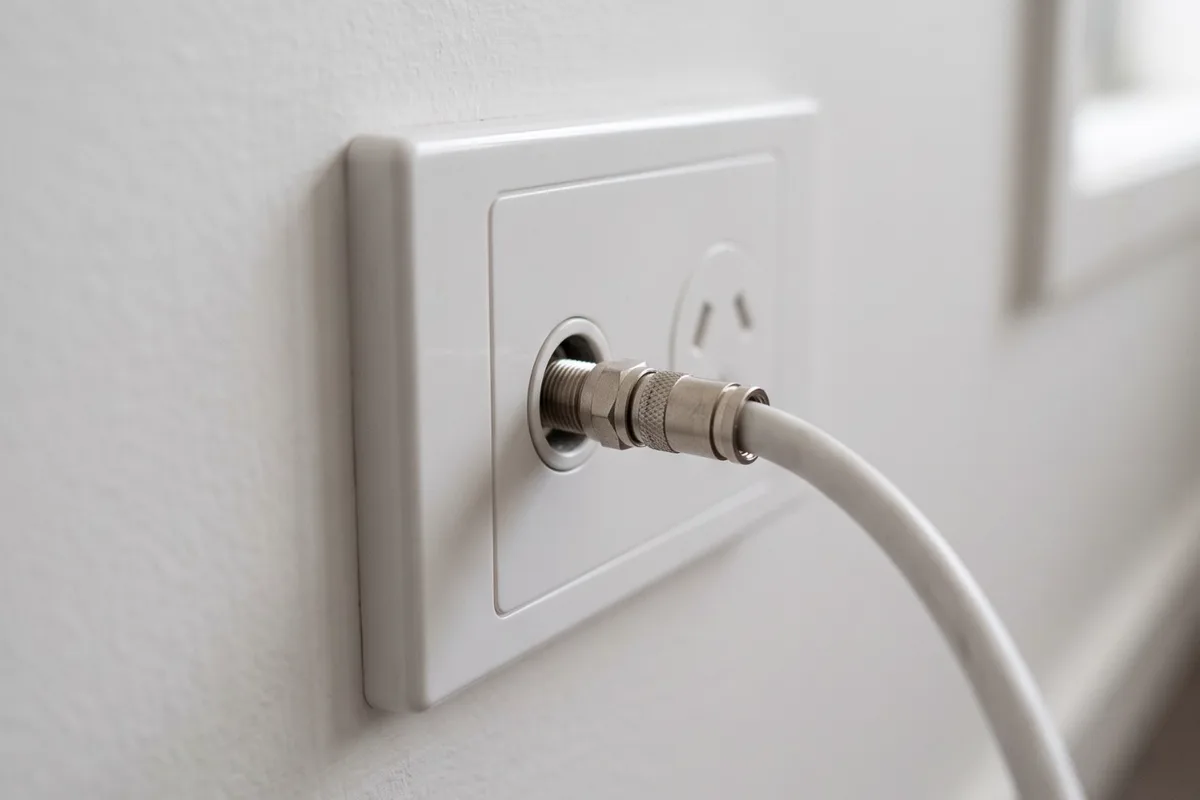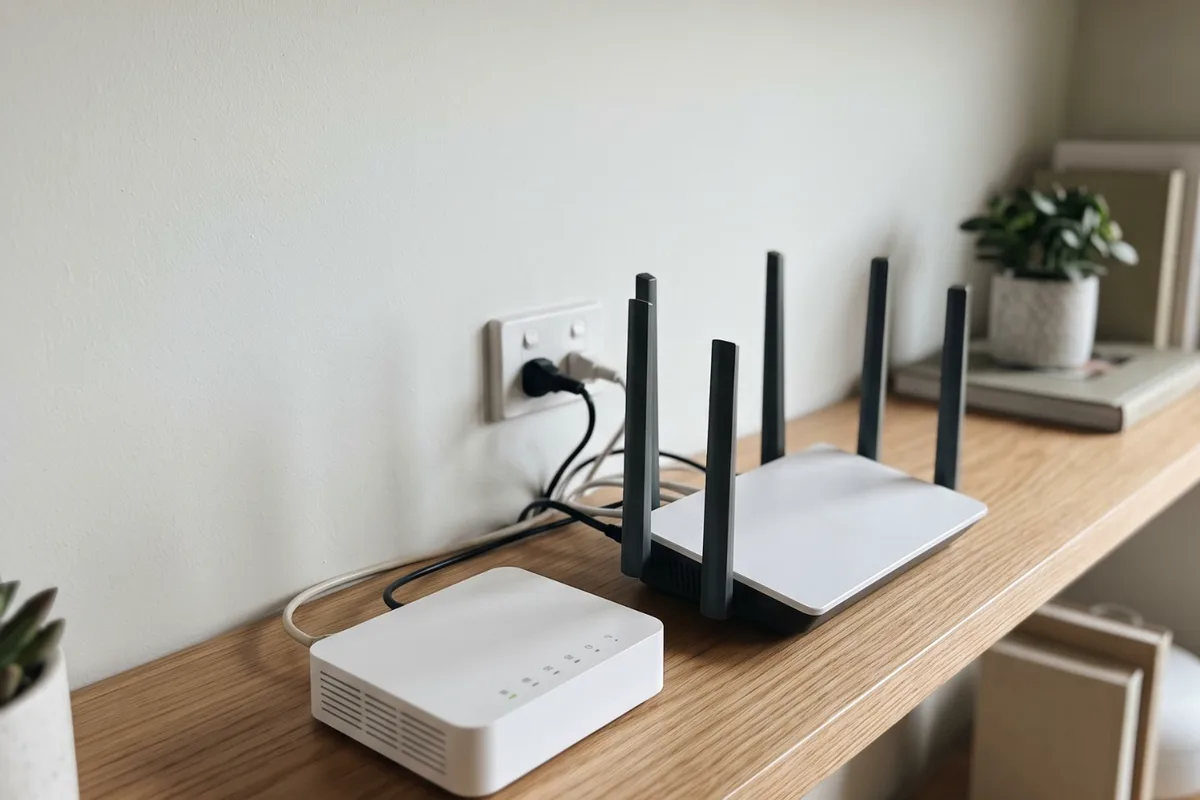
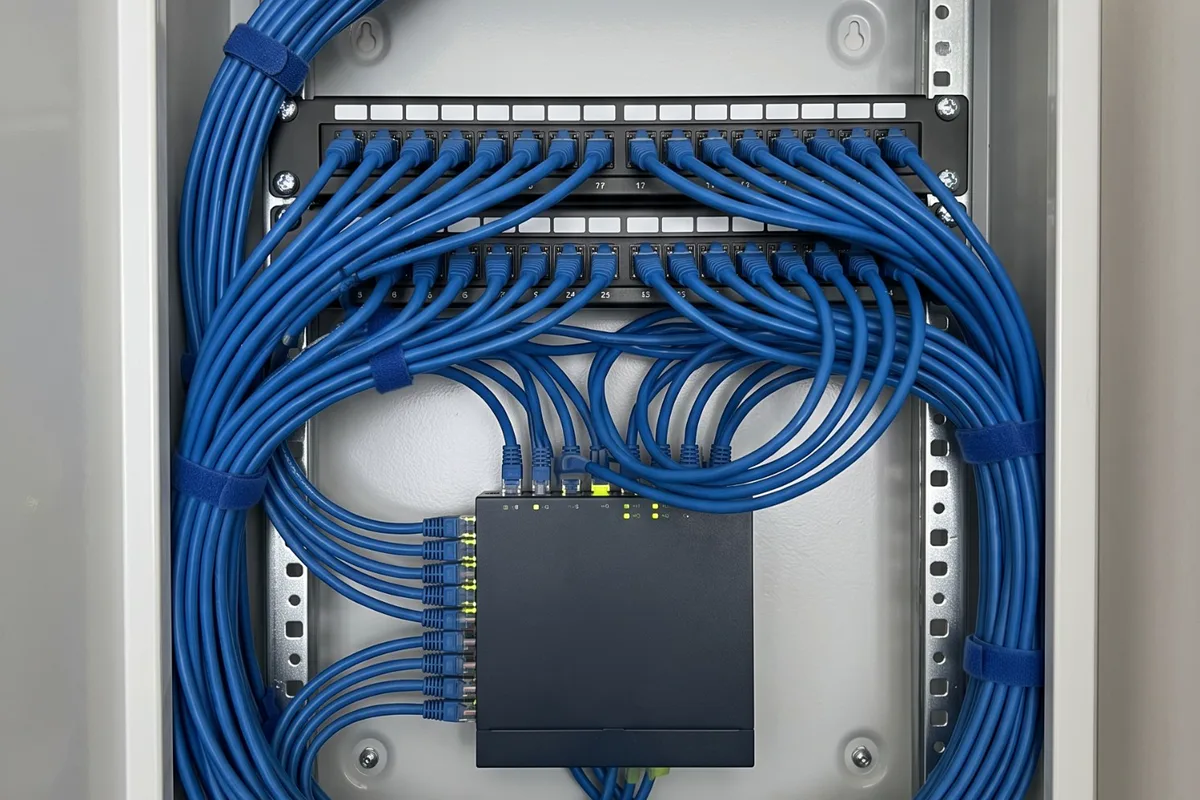
Wi-Fi is fine for phones, but work computers, TVs and consoles do better on a cable. We run Cat6 from your router or a central patch panel to the spots that need it, keep it clear of power cables, and test and label every run.
When to get it checked
Calls drop at the home office
Video calls freeze or cut out, and the desk is too far from the router for reliable Wi-Fi.
Lag when gaming or streaming
Games lag and streams buffer even though your internet plan should handle them.
Wi-Fi dead spots
Back bedrooms, the garage or upstairs rooms barely get a signal, and extenders only half help.
Long network leads across the floor
A cable runs down the hall or under a door to reach the router, waiting to be tripped over.
Mesh units that struggle
Mesh Wi-Fi units placed far apart lose speed on the wireless link between them.
Why it happens
4 common causes
Wi-Fi weakens with walls and distance
Brick and stone walls, foil-backed insulation, mirrors and plain distance all cut Wi-Fi strength. Neighbouring networks crowd it further.
The router is in the wrong spot
The router often sits wherever the internet comes in, usually near the front of the house, leaving the back and upstairs at the edge of its range.
Homes built before wired networks
Most older homes have no data cabling at all, and some newer homes have only one or two points.
Wireless hops between mesh units
Mesh units that talk to each other over Wi-Fi lose speed with every hop and wall. A cable between them, called wired backhaul, avoids that.
What the job covers
What we usually do on this job. Your quote confirms it for your place.
- Rooms and devices mapped
- Central point chosen beside the router or in a cupboard
- Cat6 cable run through the roof, walls or subfloor
- Data cables kept apart from power cables
- Wall plates fitted at each point
- Patch panel and network switch where needed
- Cabling for Wi-Fi access points or mesh units
- Every run tested and labelled at both ends
- Power points added where devices need them
Your options, explained
One or two data points
Low disruption- Best for
- A home office, or a TV that streams
- How it works
- Cable runs from beside the router to a wall plate at the desk or behind the TV.
- Worth knowing
- The quickest fix for the device that matters most.
Several points to a patch panel
Medium disruption- Best for
- Homes with an office, several TVs and gaming
- How it works
- Each run goes back to a patch panel and network switch near the router, so every point is live.
- Worth knowing
- Neat, labelled and easy to add to later.
Cabled Wi-Fi access points
Medium disruption- Best for
- Large or double-storey homes with patchy Wi-Fi
- How it works
- Data cable runs to ceiling or wall spots for Wi-Fi access points or mesh units, often powered over the same cable.
- Worth knowing
- Fixes coverage where it's weakest. Power over Ethernet needs a switch or injector that supplies it.
Whole-home cabling before plaster
Medium disruption- Best for
- New builds, extensions and renovations
- How it works
- Data runs go to every room that might need one, back to a central cabinet, roughed in while the frame is open.
- Worth knowing
- The easiest time to do it. Add spare conduit for the future.
The people behind the work
One local team for electrical, heating and cooling, based in Altona Meadows, with 19 years in the industry.
Licensed electrical contractor (REC 38187)See more team photos
Worth knowing before you book
- Router placement matters
- A central router plus a few cables beats a string of extenders.
- Think about access points
- A cabled access point fixes Wi-Fi where it's weakest.
- Leave spares
- In a build, an extra point per room costs little while the walls are open.
What affects the price?
The right scope depends on your installation. These are the details we check so your quote is useful, with any additional work explained before it proceeds.
Number of points
Shared roof and wall access means each extra point costs less than the first.
Access and building type
Single-storey homes with roof access are simplest. Double-storey homes, slabs, solid walls and raked ceilings take more time.
The central setup
A patch panel, network switch, data cabinet or Power over Ethernet adds parts. We size it to the points you're running.
Cable category
Cat6 suits most homes. Cat6A costs more and is worth considering for long runs or headroom for faster networks.
Power at each spot
Desks, TVs and network gear may need new power points, which are electrical work and certified.
How it runs
- 1
Map the points
Rooms, devices and where the internet comes in.
- 2
Plan and price
Runs and central setup agreed, with the price before we start.
- 3
Run and terminate
Cable run, wall plates and patch panel fitted.
- 4
Test and label
Every run tested, labelled and handed over.
Step by step, in more detail
5 steps
Map where devices stay put
We go through the rooms that need a solid connection: desks, TVs, consoles and good ceiling spots for Wi-Fi access points. Photos of where the internet comes in help.
Choose the central point
Every run goes back to one place: beside the router, or a patch panel in a cupboard or small data cabinet, with a network switch feeding each point.
Price before we start
You get the price for the agreed points, the central setup and any power points needed.
Run and terminate
Cat6 cable is run through the roof, walls or subfloor, kept apart from power cables, and terminated at wall plates and the patch panel.
Test and label
Each run is tested end to end and labelled at both ends, so you always know which wall plate is which.
What is safe to do, and what to leave to us
Safe for you to do
- Keep network gear somewhere ventilated, not a closed cupboard with no airflow.
- During a power failure, turn off and unplug the modem and computers, as Energy Safe Victoria advises, to help protect them if there's a surge.
- Label the leads at the router so you know what connects where.
Leave these to us
- Running cable through walls or ceilings near power cables yourself.
- Stapling or pinching network cable, which damages it.
- Daisy-chaining power boards behind a desk or entertainment unit.
- Installing power points for network gear yourself. Energy Safe Victoria says electrical work isn't a DIY job, even small jobs like changing power points.
When to get us in
- Work calls drop or freeze at the home office
- Wi-Fi doesn't reach part of the house
- A TV or console needs a steadier connection
- Mesh units or extenders aren't keeping up
- You're building or renovating and want data in every room
More detail
Why a cable beats Wi-Fi for some devices
Wi-Fi shares the air with every other device in the house and next door, and it weakens with each wall. A data cable gives a device its own steady connection, with lower lag and no drop-outs from interference.
That matters most for devices that stay put and need to be reliable: the work computer, the TV, the console. Phones and laptops on the move are still best on Wi-Fi, and cabling the access points makes that Wi-Fi better too.
Cat6 or Cat6A
Cat6 handles gigabit speeds comfortably and suits nearly every home. Cat6A is thicker and costs more, but carries faster networks over longer runs, which can be worth it in a new build you plan to stay in.
Whichever you choose, the termination matters as much as the cable. We terminate at proper wall plates and a patch panel, then test each run.
One central point
Every data run should end in one place: a patch panel and network switch near the router, or a small cabinet in a cupboard or the garage. That keeps the setup tidy, makes faults easy to find and lets you add points later.
If the internet comes in at the front of the house, one cable from the NBN box to the central point often lets the router move to where it covers the house best. Our NBN cabling and relocation page explains that in more detail.
Power over Ethernet for access points
Ceiling-mounted Wi-Fi access points and some other network devices can run on Power over Ethernet, getting their power through the data cable itself. That means no power point on the ceiling, just one cable to each unit.
It needs a network switch or injector that supplies the power, so we plan it with the central setup.
Local rules and conditions
Victorian requirements and local conditions that shape this job, with the sources listed at the foot of the page.
Basalt houses in Williamstown
Williamstown's Government Survey precinct includes basalt houses, a type less common elsewhere in Melbourne. Solid stone walls can't take a cable down a cavity, so we route through the roof or floor or use neat surface conduit, and place Wi-Fi access points around walls that block the signal.
Data on the plan in a new home
Wyndham has new housing planned in growth areas including Wyndham Vale. If you're building, ask for data runs on the electrical plan, so cables to desks, TVs and access points go in before plaster rather than through finished walls.
Useful reading
Guides to read before you decide, with checklists and questions to bring to the quote.
- Planning the electrical in a new build or extensionMark up the power and lighting plan, decide the dedicated circuits, pre-wire air conditioning and EV charging, then walk the frame before plaster.
- The electrical decisions to make before your renovation walls closePlan appliances, lighting, outlets and future upgrades while access and options are still available.
- Surge protection explained: what it does and doesn't doHow a switchboard surge diverter differs from a surge power board, what each one protects, where both stop, and which homes in Melbourne's west gain most.
- Planning a wall-mounted TV: power, antenna and data behind the screenMounting height, recessed power, conduit for HDMI and soundbar cables, and where the antenna and data feeds come from, all planned before the bracket goes up.
Common questions
From the blog
- Is data cabling still worth it in a new build?Good mesh Wi-Fi is easy to buy, but a few data cables in a new build still pay off for TVs, the home office and ceiling access points. Cabling every room usually doesn't.
- Builder-grade electrical in a new estate home: what owners upgrade firstExtra points, outdoor power, better lighting, data and a garage ready for an EV: the upgrades owners in Melbourne's western estates make after handover.
Sources for the rules and local facts on this page
5 sources, with the date each was checked
- 1.Victorian Heritage Database (Heritage Council Victoria); entry maintained by Hobsons Bay City Council from the Hobsons Bay Heritage Study 2006: Unusual or rare early building styles and types such as the basalt houses and the timber duplex houses with no dividing wall that are characteristic of this part of Williamstown but less common elsewhere in the… Accessed 30 September 2026.
- 2.Victorian Electoral Commission (2023 electoral structure review fact sheet): New housing developments are planned in residential growth areas including Truganina, Tarneit, Wyndham Vale and Manor Lakes, as well as near activity centres and public transport. Accessed 30 September 2026.
- 3.Energy Safe Victoria: Electrical work isn’t a DIY job, even for small jobs such as changing power points or light switches. Accessed 30 September 2026.
- 4.Energy Safe Victoria: Whenever a licensed electrician completes any electrical installation work, they must provide a Certificate of Electrical Safety (COES). Accessed 30 September 2026.
- 5.Energy Safe Victoria: In the event of a power failure turn off and unplug all electrical appliances at the powerpoint. This will help to prevent equipment damage in the event of a power surge. Accessed 30 September 2026.